An app and a website for DJs who care about flow.
DJ software already shows the technical metadata: BPM, key, genre. SetPrep was meant to show the energy and the shape of a set as well.
The brief: read the library a DJ already has, plan each set visually as an energy curve, and get the finished plan back into whatever software the DJ plays out of, ready for the night.
The hard part was making one app work with the four different pieces of DJ software DJs use, without making them re-import or re-tag a single track.
A native desktop app for Mac and Windows, and a website
-
The desktop appNative build for both macOS and Windows. Reads the user's library across four major DJ platforms with no manual import. Renders each planned set as a visual energy curve. Exports the finished set back to the original DJ software, ready to play.
-
The websiteA marketing site at setprep.app. It explains the app and takes signups. It's deployed at the edge, so it loads quickly.
-
The brandWordmark, colour palette and tone of voice. After a few rounds it settled somewhere quiet and slightly nerdy, with room to grow as the product does.
Screens from the SetPrep site
Five features built into the SetPrep site. We can build the same kind of thing into yours.
HD video plays behind the homepage headline.
Counters that tick up, next to infographics that move.
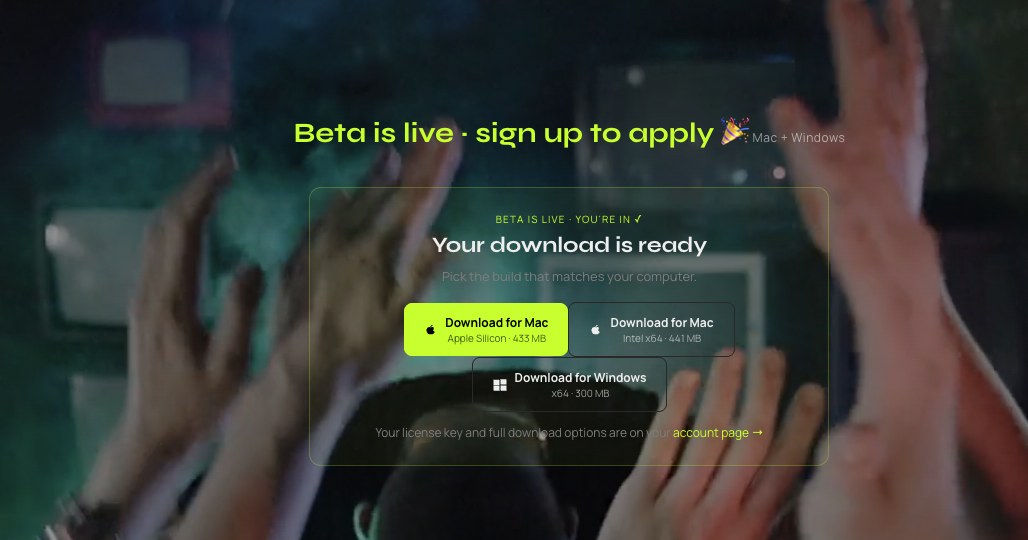
Three downloads for three types of computer. The page highlights the right one for the visitor's machine.
Graphics that explain the product as you scroll. They're drawn in code, so there's no video file to load or Lottie licence to pay for.
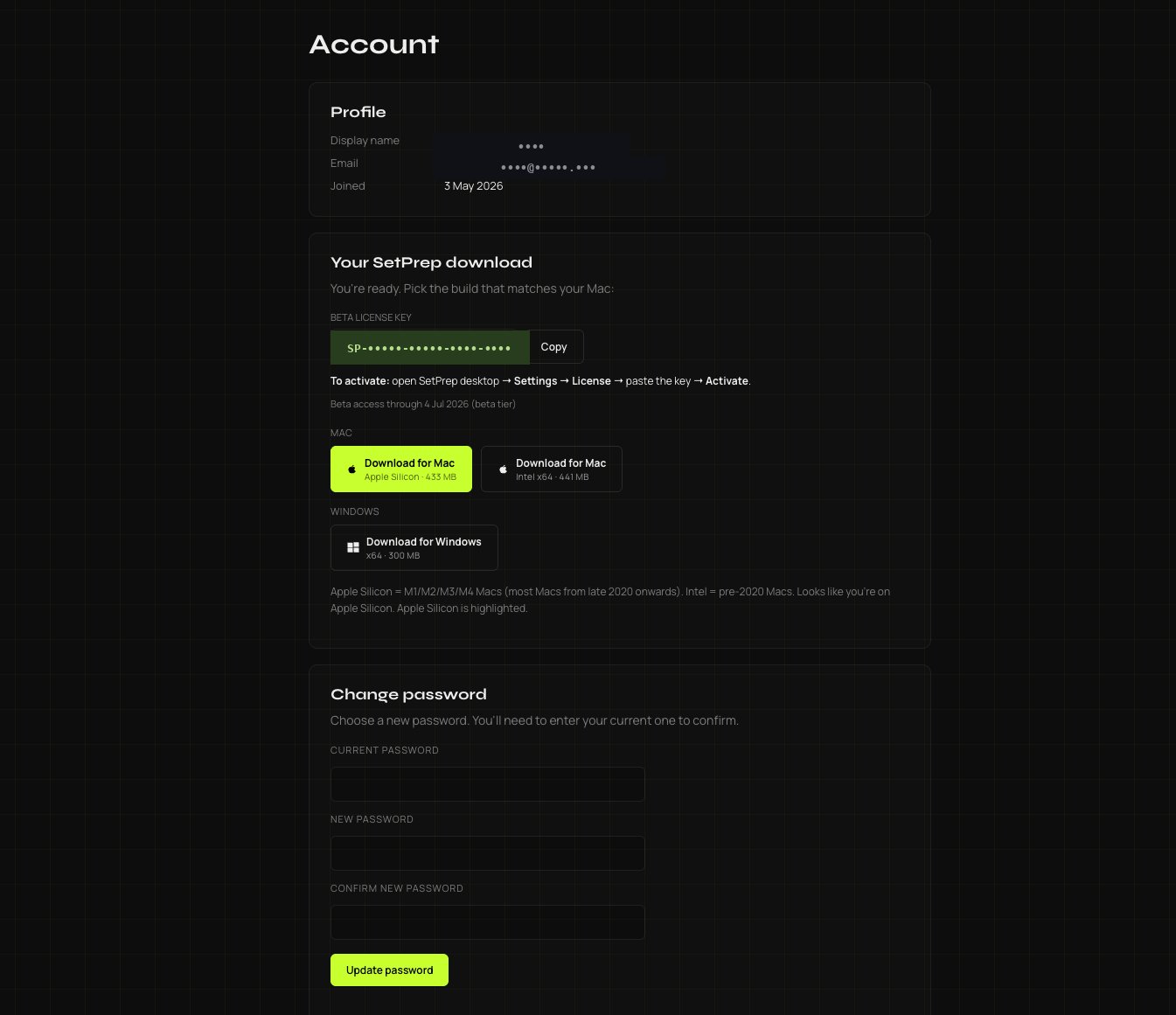
A full account system: verified email, licence keys, platform-aware downloads, password reset. Real database behind the login. (Personal details redacted.)
How the project ran
It started with working out what should exist before deciding what to build. Some app ideas work better as a feature on a website. This one needed to be an app.
The design was made in the browser before any code, clickable and working on every screen size, so there was something real to react to. Then the build, with regular demos along the way.
Small business clients get the same process: demos as the work grows and a fixed scope at each milestone. You deal with the people who build it.
An app or website like this
If you have an idea and can't tell whether it should be a website or an app, that's a good first call to have. Tell us about it.
Book a call about your app idea →