The short version
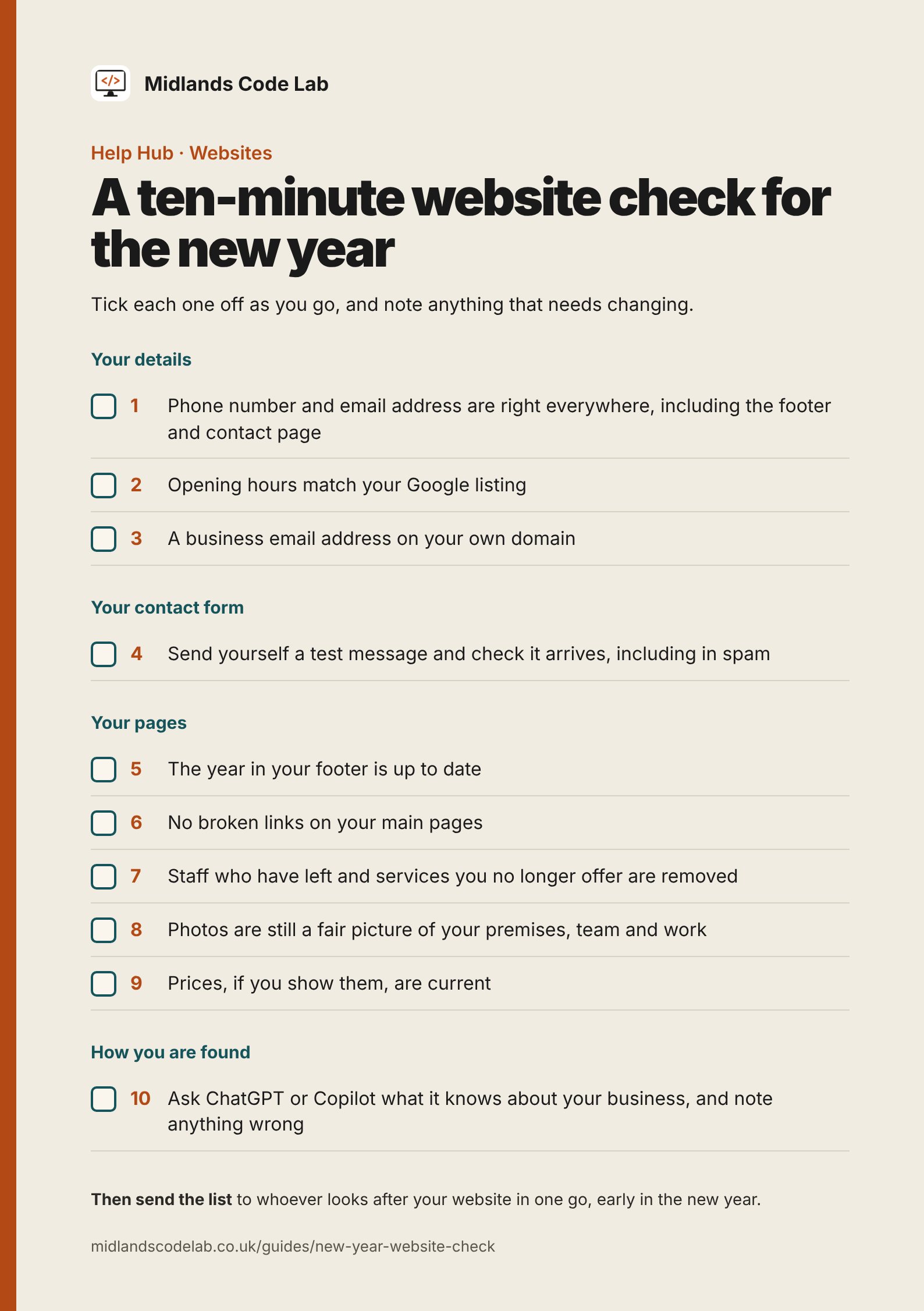
Check your contact details, test your form, update the footer year, tidy old pages and ask an AI tool what it says about you. Then send one list to whoever looks after your website.
The quiet days between Christmas and New Year are a good time to catch the small things that slip during a busy year.
Have a notepad ready, and write down anything that needs changing as you go.
Your details
- Phone number and email address. Are they right everywhere they appear, including the footer and contact page?
- Opening hours. Do they match what's on your Google listing? Our guide to checking your Google opening hours covers that side.
- A business email address. If you use a free Gmail or Hotmail address, think about one on your own domain, such as [email protected]. It looks more established, and it stays with the business if staff change.
Your contact form
- Send yourself a test message and check it arrives, including in spam. Our guide on contact forms that stop working explains what to do if it doesn't.
Your pages
- The year in your footer. An old date can make a site look neglected.
- Broken links. Click through your main pages and note any that go nowhere.
- People and services. Remove staff who've left and services you no longer offer.
- Photos. Are they still a fair picture of your premises, team and work?
- Prices, if you show them. Are they current?
How you're found
- Ask an AI tool about yourself. Ask ChatGPT or Copilot what it knows about your business, by name and town, and note anything wrong. Our guide on what AI tools say about your business explains what helps.
Then send the list
Send everything to whoever looks after your website in one go, early in the new year. It's quicker for them to work through, and nothing gets lost between separate emails.
Found a few things to fix? Get in touch and we'll take a look.
Get in touch